GTA 6 Too Dark? Here's How to Fix It on PS5
Players can improve GTA 6 brightness by adjusting HDR settings based on insights from a video by HDTV Test.
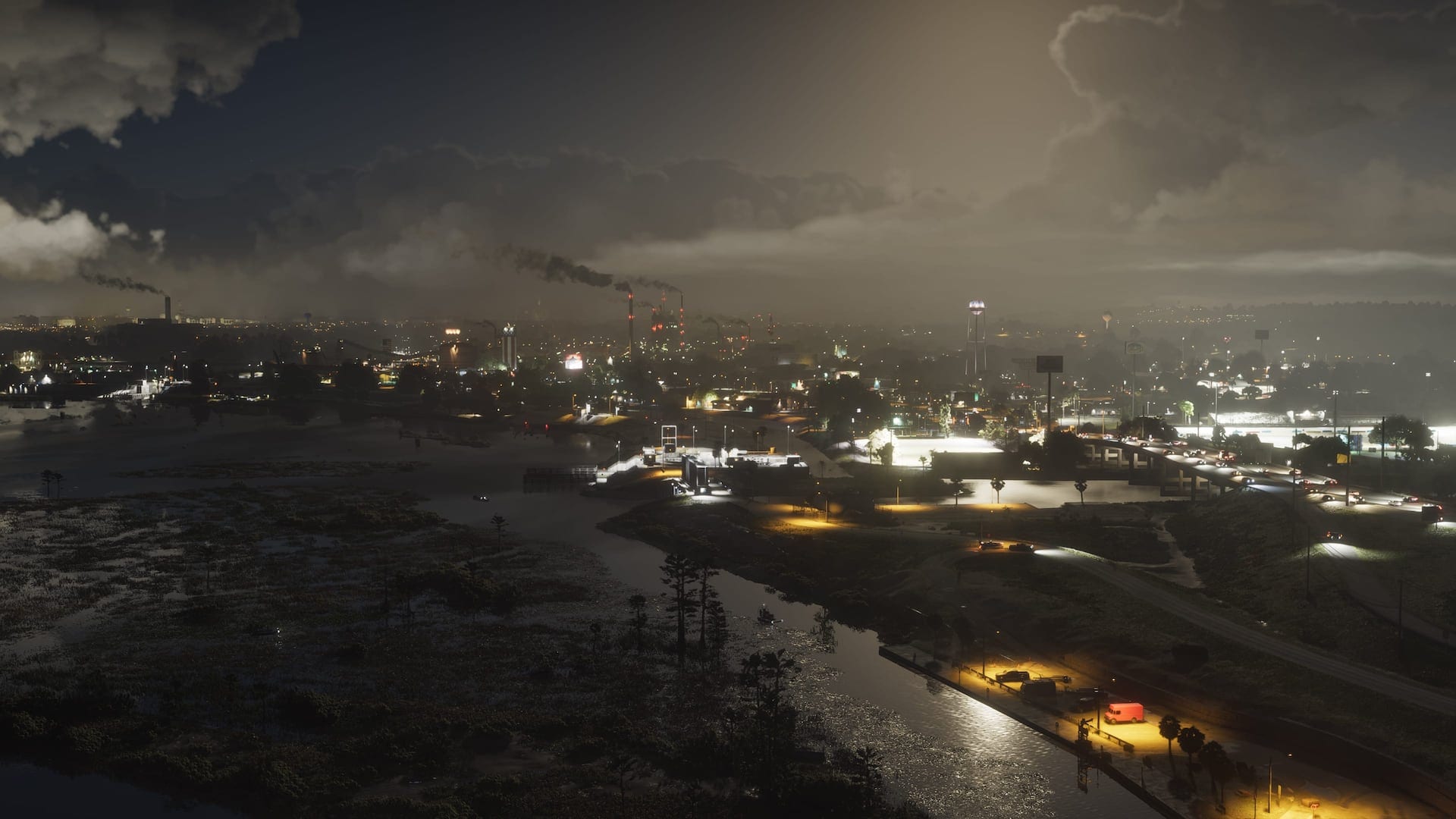 © Rockstar GamesrssGTA 6 Too Dark? Here's How to Fix It on PS5If you're experiencing darkness in GTA 6, the issue may stem from incorrect HDR calibration rather than the game itself. Recent findings from HDTV Test, which conducted a thorough investigation using a high-end Sony monitor, suggest the game's HDR settings might not function as effectively as intended. This has been a common concern among players, making it essential to address calibration settings to enhance the visual experience.
Adjusting the HDR settings can significantly impact how environments and characters appear in-game. The video from HDTV Test provides optimal HDR calibration settings that can help players illuminate the darker areas of the game, ensuring a more enjoyable playing experience. With these adjustments, players should find a noticeable improvement in brightness, making the world of GTA 6 more vibrant and engaging.