GTA 6 display settings explained — recommendations for motion blur and brightness
GTA 6 features several display settings to enhance your gaming experience, including motion blur adjustments and brightness calibration.
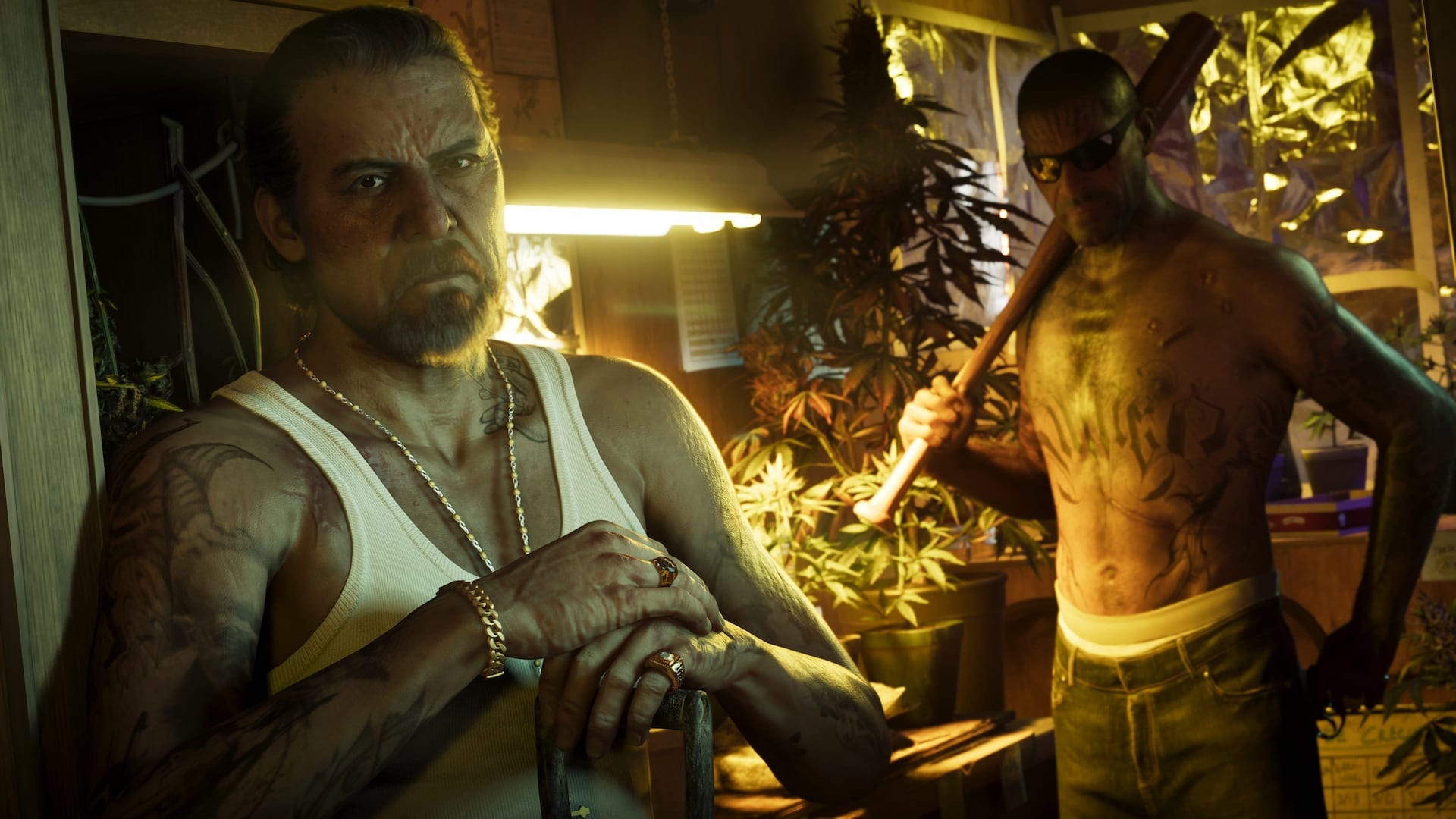 © Rockstar GamesrssGTA 6 Display Settings Explained — Our Recommendations for Motion Blur, Brightness Reduction, and MoreGTA 6 includes multiple display settings to improve visual performance. Players can access these options via the settings menu, where adjustments can be made to elements like Motion Blur and Brightness Calibration. The brightness setting allows players to adjust the brightness until the Rockstar logo is barely visible, promoting immersion. Other settings help fine-tune the on-screen effects signaling player status and environmental interactions.
Players can modify Motion Blur preferences as well. Some may prefer to minimize or turn it off entirely, while others find that a touch of blur enhances the overall experience, particularly during fast camera movements. The game also offers options for blood and gore intensity, dismemberment visibility, and flashbang screen effects, allowing further customization based on player comfort.
A notable setting is brightness reduction, which softens bright lights but can significantly alter the game's visual appeal. Thankfully, users will receive a warning before enabling it. An accessibility feature allows for high contrast shaders to assist players in spotting characters and interactive objects more easily. These adjustments reflect Rockstar's commitment to providing a versatile gaming experience for all players.